Contents
WAF
The WAF inspects request content and blocks attacks such as SQL injection and cross-site scripting. The basic WAF is included in every plan and is on by default.
Switch and modes
Go to Security Center › Protection settings › WAF:
- WAF main switch: when off, the whole site is no longer inspected; not recommended for long.
- Observe: only records hits and fetches from the origin as usual; good for the first few days to see whether there are false positives.
- Block: blocks suspicious requests directly.
Console · WAF Settings
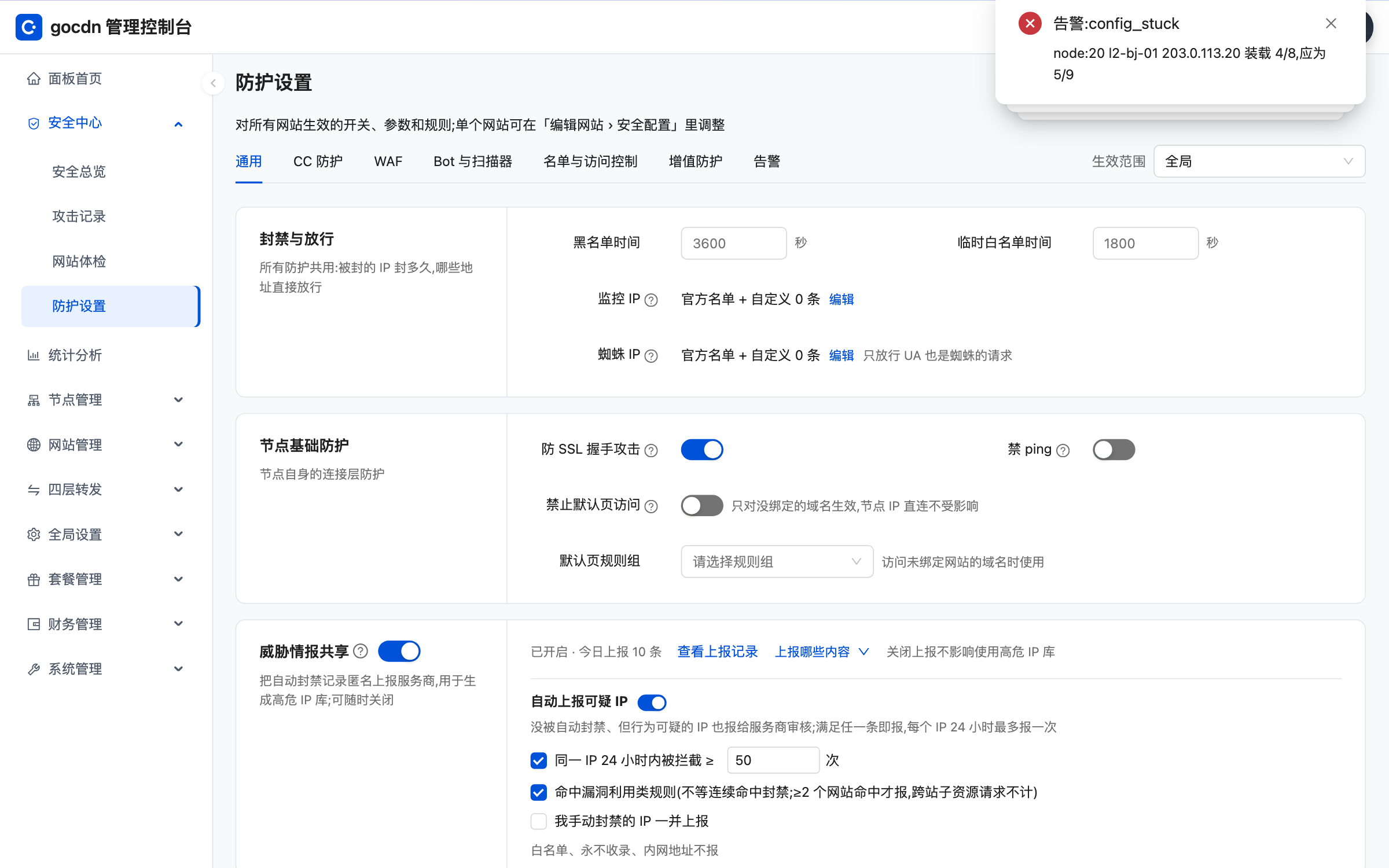
Tip Run a new site in "Observe" for a few days, confirm in the attack log that normal business isn't blocked, then switch to "Block".
When a request can't be fully inspected
When the request body is too large or has too many parameters or headers, the WAF tries to inspect the rest later; anything still left uninspected is handled as configured (allow or block). Sites that accept large uploads should watch this setting.
Handle false positives with exceptions
For a false positive, use a "WAF exception" instead of turning the WAF off.
- Path prefix only: nothing under that path is inspected.
- Path prefix plus parameter name: only those parameters are skipped; the rest under the path is still inspected.
Basic and Plus
The basic WAF uses built-in rules that are updated with each release. With WAF Plus and WAF Rules Update you get deeper inspection, hourly rule updates and a high-risk IP database; see Paid protection add-ons.